Same-sex couple video concept workflow
Create gay AI video concepts, romantic prompts, and storyboard frames faster
Use gayai.online to plan gay AI video scenes, lesbian AI video ideas, and same-sex couple storyboards with prompt-based concept images. Build visual direction first, then move into editing, sequencing, and campaign execution with more consistency.
This page is built for creators who want a stronger starting point for gay AI video content before full motion production. Generate visual references for kissing scenes, wedding sequences, travel moments, fashion shots, nightlife clips, and soft lifestyle storytelling so the final video direction feels intentional instead of random.
- Cover gay AI video, lesbian AI video, and same-sex couple video ideas in one page
- Use still concept frames to lock style, wardrobe, mood, and camera language before animation
- Helpful for romantic couple edits, wedding clips, social reels, music visuals, and short-form campaigns
- Safer than jumping into video production before the relationship mood and scene details are aligned
Reference
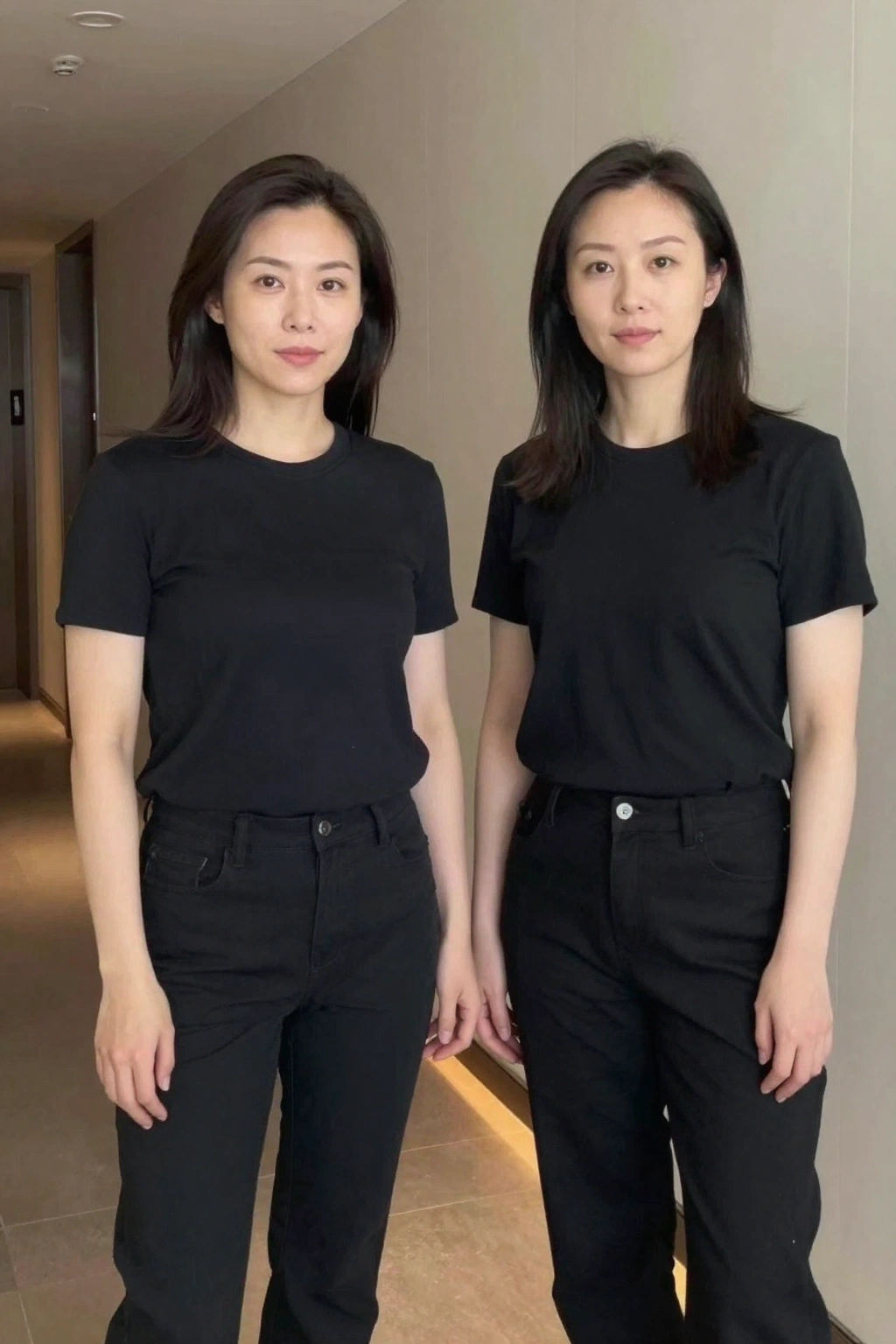
Storyboard Frame
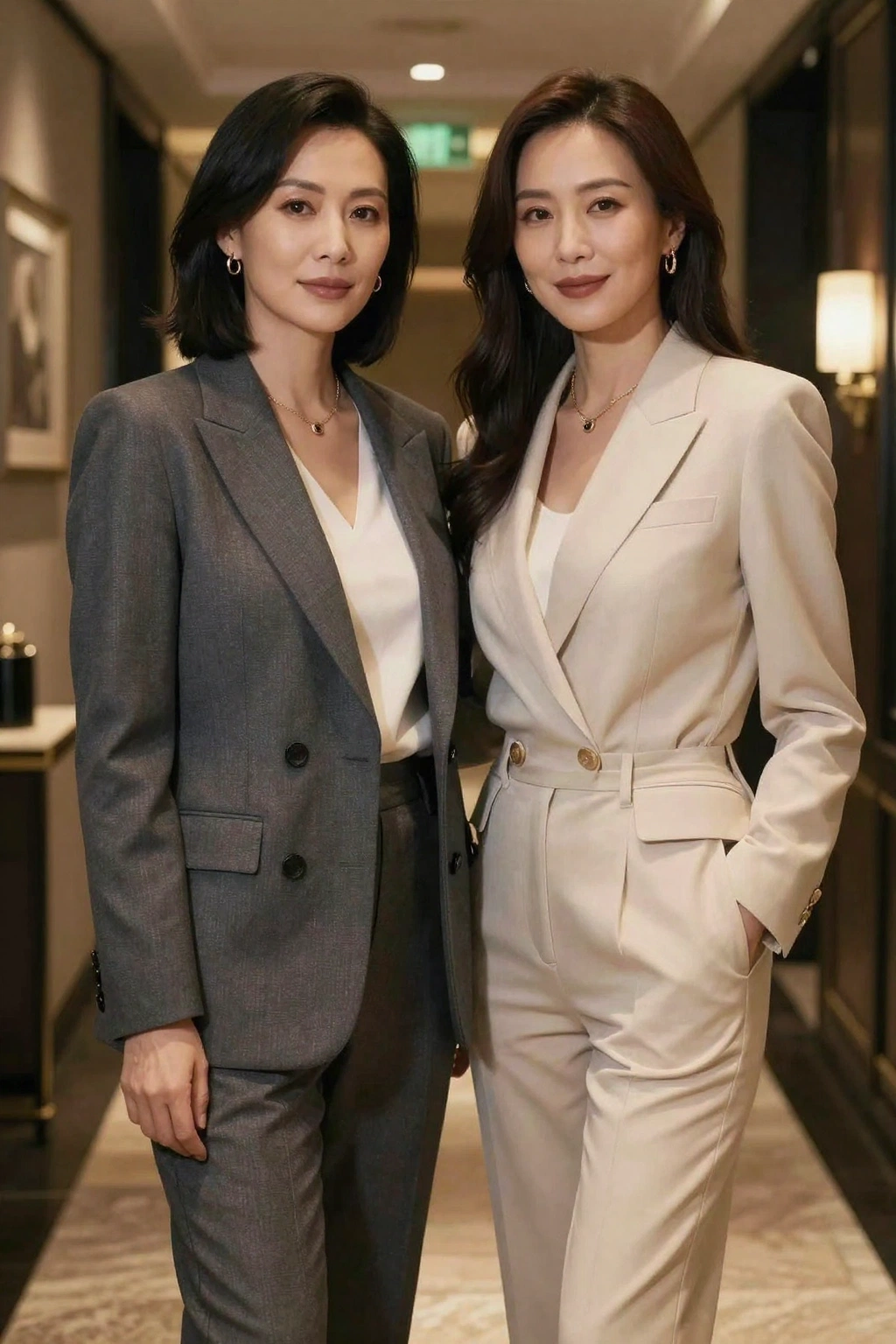
Build a romantic same-sex couple storyboard before producing the final video
Start with a reference frame, keep the couple chemistry and wardrobe direction consistent, and turn one visual idea into a stronger sequence plan for reels, trailers, or mood films.
Example prompt
Create a cinematic same-sex couple video concept frame at golden hour on a city rooftop, two women in coordinated neutral outfits holding hands and smiling softly, natural hair movement, realistic skin texture, shallow depth of field, intimate documentary mood, designed as frame 1 of a romantic AI video storyboard.
Romantic short video planning
Draft kissing, hugging, walking, travel, wedding, and quiet lifestyle scenes before committing to a full same-sex couple video sequence.
Lesbian and gay campaign concepts
Explore inclusive ad visuals, music promo looks, editorial fashion clips, and couple-first storyboards that need emotional consistency.
Creator prompt libraries
Save stronger gay couple video prompts and lesbian AI video ideas that can be reused across reels, thumbnails, scripts, and image-to-image variations.
What makes a gay AI video concept page useful
A good gay AI video workflow should help you decide the story before you produce motion. These checks keep the page practical.
Relationship mood is clear
The frame should show the intended tone: romantic, playful, elegant, intimate, celebratory, or editorial, instead of leaving the couple dynamic vague.
Shot language is consistent
Keep wardrobe, lighting, setting, and camera distance aligned so multiple frames can become one believable sequence.
Prompt intent matches the final use
A wedding teaser, nightlife reel, travel montage, and fashion short all need different pacing, styling, and emotional cues.
Gay AI video prompt checklist
Prompt like a storyboard artist, not just an image generator user.
Name the couple and scene
Specify gay couple, lesbian couple, or same-sex couple, then define the exact moment: first look, beach walk, rooftop date, wedding dance, cafe talk, or nightlife entrance.
Describe camera and motion cues
Even for still frames, mention close-up, medium shot, over-the-shoulder, handheld feel, shallow depth of field, golden hour, slow-motion mood, or cinematic framing.
Protect continuity details
Call out matching outfits, hair, facial features, mood, lighting direction, and environment so later frames stay connected.
What this page does not replace
It is a concept and planning workflow
Use this page to shape visual direction and prompts. Final motion editing, scene sequencing, and real video generation still need a dedicated video workflow.
Sensitive details still need review
Hands, facial expressions, accessories, and couple interaction should be checked carefully before you use the frames in a production pipeline.
Strong video stories need multiple frames
One good image is not enough. Build several consistent frames for open, mid, close, and transition moments before creating a full reel or trailer.
How it works
Step 1
Choose the couple scene and mood
Start with the exact relationship moment you want: romantic rooftop date, quiet home lifestyle, wedding portrait, beach walk, city nightlife, or fashion-forward editorial clip.
Step 2
Generate or edit reference storyboard frames
Use prompts and source images to lock styling, faces, environment, color palette, and emotional tone across multiple same-sex couple frames.
Step 3
Turn the best frames into a video plan
Keep the strongest sequence as your production guide for scripts, reels, motion tests, thumbnails, or a later dedicated AI video workflow.
FAQ
Is this a real gay AI video generator?
It is a practical landing page for planning gay AI video scenes with prompts, concept frames, and storyboard-style visuals using the current gayai.online image workflows.
Can I create lesbian AI video ideas here too?
Yes. This page is written to cover lesbian AI video concepts, gay couple video prompts, and broader same-sex couple storytelling.
What kinds of scenes work best for gay AI video prompts?
Wedding moments, rooftop dates, travel clips, beach walks, nightlife scenes, cafe conversations, home lifestyle portraits, and fashion editorials usually work well because the relationship mood is easy to define.
How do I make the couple look consistent across multiple frames?
Reuse the same reference images, keep the wardrobe and lighting stable, and repeat the key physical and emotional details in each prompt.
Should I start with image generation or image-to-image?
Use image generation when you need a fresh concept. Use image-to-image when you already have a couple reference and want stronger continuity for a storyboard.